
Availability
Set the times, capacity and resources your customers can book.
Ellich Reservations
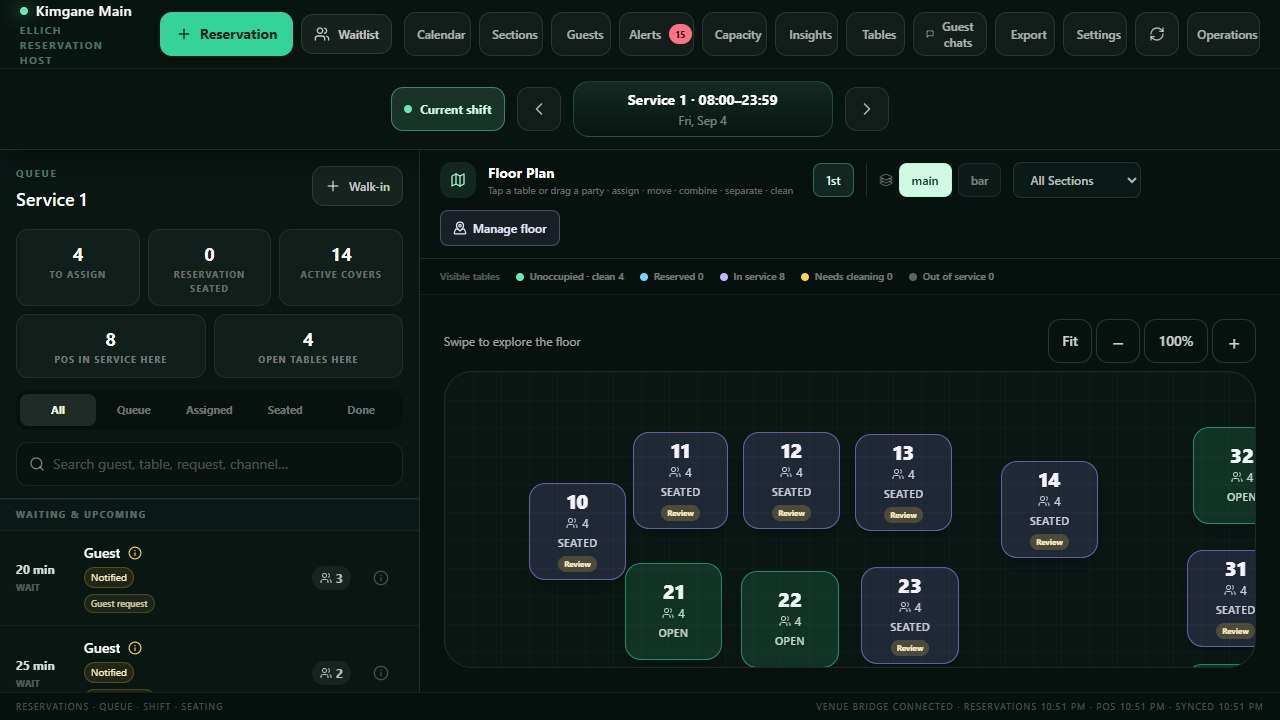
Make booking easy. Keep availability, arrivals and customer care together—for tables, classes, appointments and spaces.
Two months free. No credit card required.
Standalone or part of EllichYour choice
Start with the booking tools your business needs.
Connect reservations with sales, customers, team and daily operations.
Explore the platform →Set the times, capacity and resources your customers can book.
Give customers a clear way to book and manage their plans.
Keep your team ready for the next guest or member.
No. Reservations can be purchased on its own. It is also included when you choose the full Ellich platform.
Yes. Restaurant and Fitness use booking experiences suited to their own operations: tables and guest arrivals, or classes, appointments and resources.
The Reservations guide walks through the existing setup and operating tools. Follow the guide below when you want the details.
01
Tell us about your business and complete owner authentication.
02
Follow the initial setup guide. Choose sample data at signup to explore with examples.
03
Set up your location, invite your people and start putting Ellich to work.
Your next chapter starts here
Two months to make Ellich part of your everyday.